

Virtual Card Maker Highlights Reloadable Virtual Expense Cards for Project and Team Spending
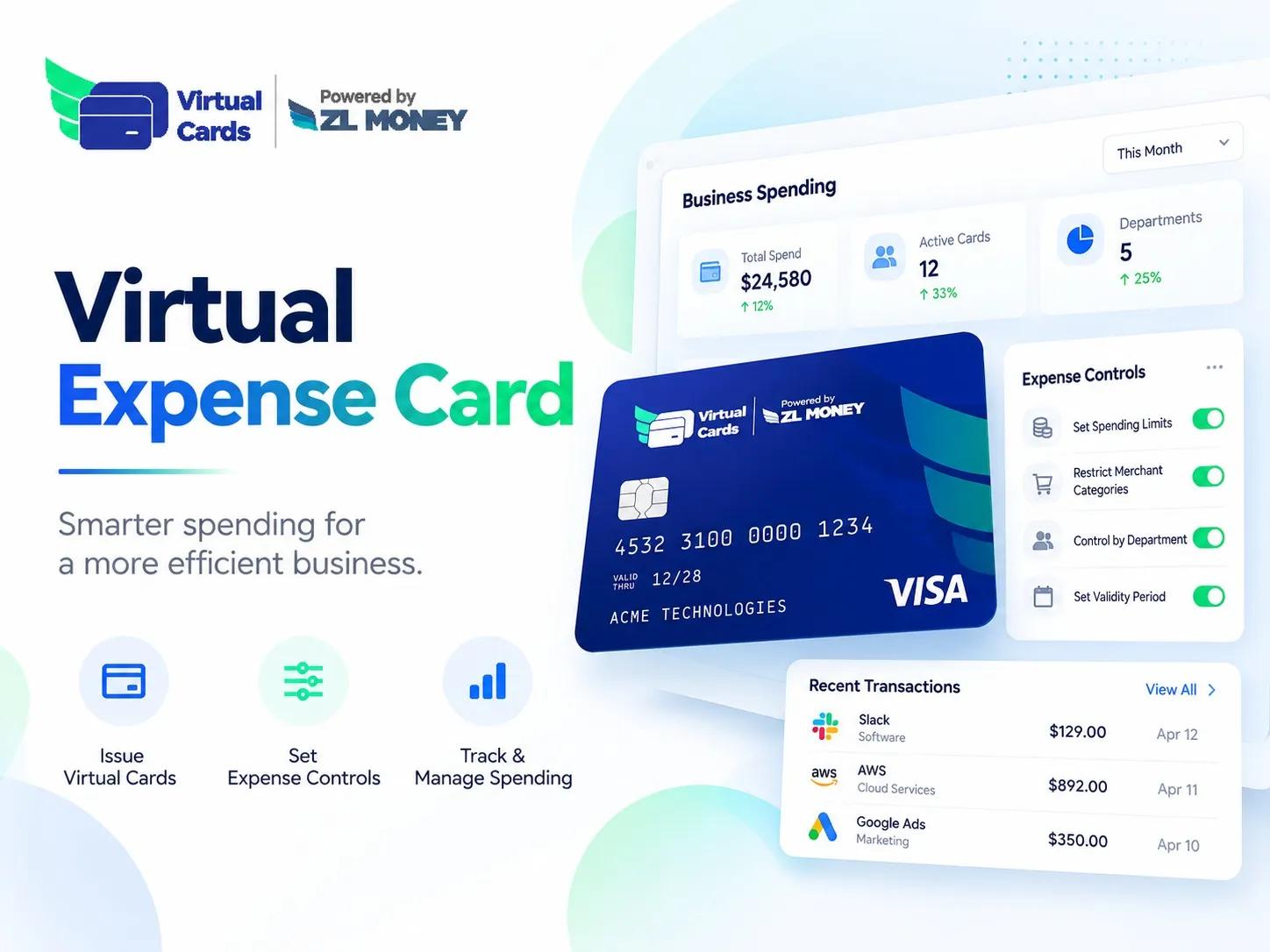
Virtual Card Maker is highlighting its reloadable virtual expense card capabilities for businesses that want to assign spending limits, track project expenses, and maintain transaction records through an online dashboard.
The platform provides wallet-funded virtual Visa cards for supported business purchases, with options for creating cards associated with different teams, projects, and spending purposes.
Businesses often need to manage purchases across employees and departments without relying exclusively on one shared payment card.
Virtual Card Maker's expense card tools provide another option for assigning and reviewing these transactions.
Understanding Virtual Expense Cards
A virtual expense card is a digital payment card used for eligible business purchases.
Virtual Card Maker describes reloadable Visa cards that can be associated with individual projects, teams, or trips.
Instead of using the same card for every expense, businesses can issue supported cards for specific spending purposes.
This arrangement can help finance staff identify which card was used for a particular purchase.
The available functionality depends on account eligibility and card-program conditions.
Creating Cards for Projects
Virtual Card Maker's virtual expense card page describes a process for funding the business wallet and creating a card for a particular project.
Users can assign a project label and set an available spending limit.
For example, a marketing team may use a card for an approved campaign budget, while another department maintains a separate card for office expenses.
The specific amount and limit settings depend on the business's internal requirements and supported card controls.
Configuring Spending Limits
Each supported expense card can have a spending limit.
Virtual Card Maker describes monthly and project-based limit arrangements.
These settings may help a business define how much is available for a particular expense category or spending period.
Transactions that exceed the configured limits may be declined according to the program's authorization controls.
However, spending limits do not eliminate unauthorized activity or guarantee that every transaction will follow the intended business purpose.
Supporting Employee and Team Spending
Businesses may need employees to make authorized purchases without providing access to a shared company card.
Virtual expense cards can be assigned to eligible users or spending purposes under the available program rules.
Virtual Card Maker describes delivering supported card information to designated users and adding cards to compatible mobile wallets where available.
Acceptance depends on the merchant, transaction, supported wallet, and issuing program.
Businesses should not assume that every merchant accepts every virtual card.
Receipt Collection and Expense Review
A company expense is easier to review when it is connected to the relevant receipt or invoice.
Virtual Card Maker describes attaching receipts to supported transactions.
The platform also includes functionality for assigning reviewers.
These tools can help accounting staff connect card activity with its supporting documentation.
However, an attached receipt does not automatically mean that an expense has been reviewed or approved.
Businesses should maintain their normal authorization and accounting procedures.
Reloading and Canceling Cards
The platform's virtual expense cards are described as reloadable.
Businesses can provide additional supported funding when a project requires more available spending capacity.
Eligible cards may also be canceled when a project ends or a card is no longer needed.
Cancellation generally affects future authorizations under the program's rules.
Previously authorized transactions may still settle, and businesses should review pending activity before closing a card.
Understanding Wallet Funding
Virtual Card Maker uses a wallet-funded model for its supported expense cards.
Businesses arrange the required wallet funding before issuing or using cards.
The available balance and card-program rules determine which purchases can be supported.
Creating a virtual expense card does not automatically provide a revolving credit line.
Businesses should review wallet funding, card limits, fees, and transaction conditions before use.
Maintaining Business Expense Records
Virtual Card Maker describes a dashboard for reviewing supported card transactions and project-related spending.
Businesses can use the available records when reconciling card activity with invoices, receipts, and accounting records.
Finance teams should confirm that transaction labels are accurate and that expenses are assigned to the appropriate projects.
The dashboard is intended to support expense review rather than replace internal accounting controls.
Choosing the Right Expense Card Arrangement
Businesses should consider the project budget, authorized cardholder, spending frequency, receipt requirements, and expected card lifespan.
Virtual Card Maker's virtual card types include options for different business payment purposes.
The appropriate card depends on how the business plans to use it and which controls are available.
About Virtual Card Maker
Virtual Card Maker, powered by Zil Money, is a financial technology platform offering wallet-funded virtual Visa cards for eligible business purchases, project expenses, vendor payments, and other supported use cases.
Financial Technology Disclaimer
VirtualCardMaker.com, powered by Zil Money, is a financial technology company, not a bank. Banking and money movement services are provided through partner financial institutions and licensed service providers. FDIC insurance coverage applies only to eligible deposit products and accounts and is subject to applicable terms, conditions, limitations, and requirements. Additional information regarding partner institutions, products, and services is available in the applicable terms and agreements.
Media Contact
Sabeer Nelli
111 N Market St
San Jose, CA 95113
United States
Email: [email protected]
Phone: (408) 775-7720
Fax: (877) 722-3376
Website: www.sabeer.com
LinkedIn: linkedin.com/in/sabeer-nelliparamban